
01Who this is for
- Agency owners who provide tech consulting services and need a repeatable method to evaluate client software environments.
- Freelance marketers who want to qualify SaaS prospects before pitching a solution.
02Software audits, explained
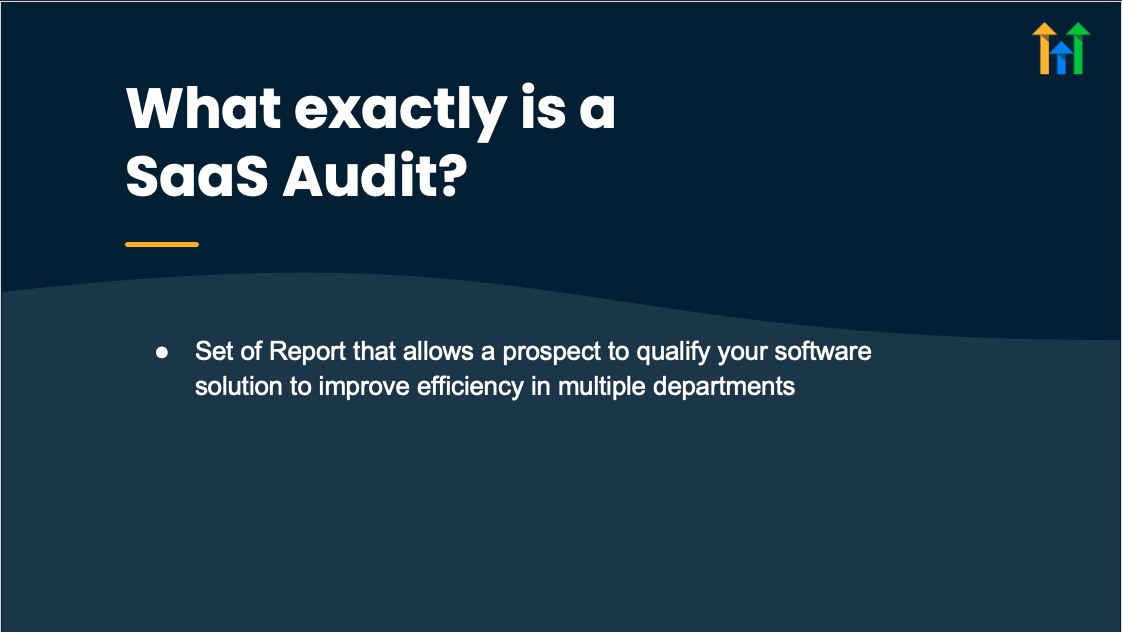
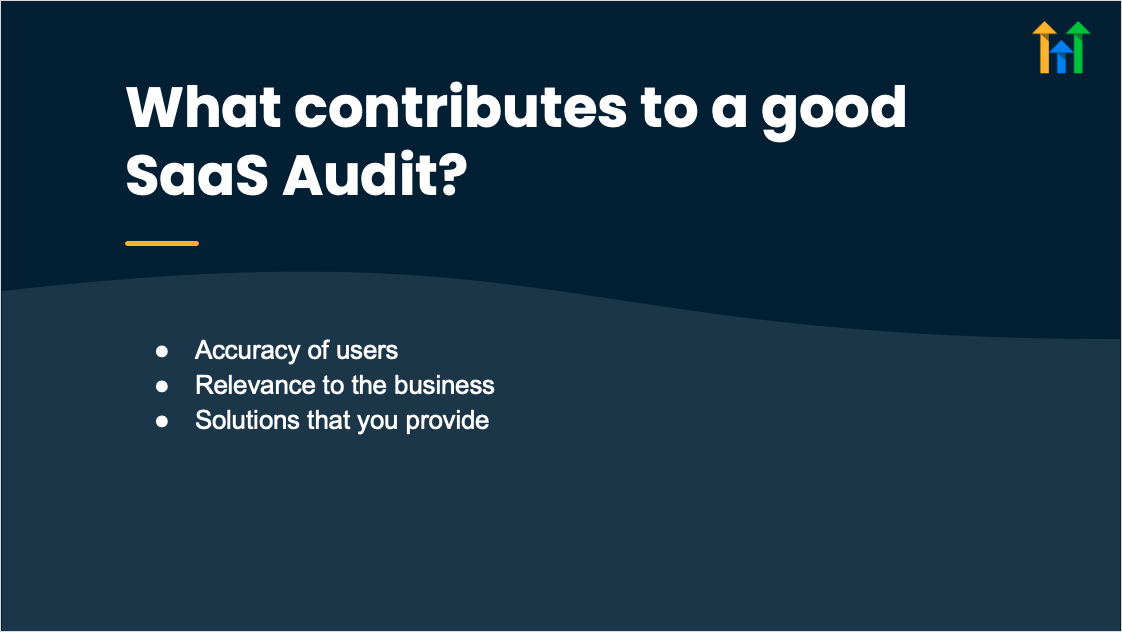
The SaaS Audit add on is a feature that generates an audit template for a prospective client’s software ecosystem, allowing users to record details about current tools, integrations, and usage.
The audit is accessed within GoHighLevel under the Add ons section, can be customized per prospect, and can be exported as a report for outreach.
03How businesses use software audits
- Marketing agency. The agency opens the SaaS Audit add on, selects a template, enters information about the prospect’s marketing stack, and exports the report to attach to a proposal email.
- IT consulting firm. The firm uses the audit to document a prospect’s existing SaaS applications, noting gaps and redundancies, then leverages the completed audit to guide discovery calls.
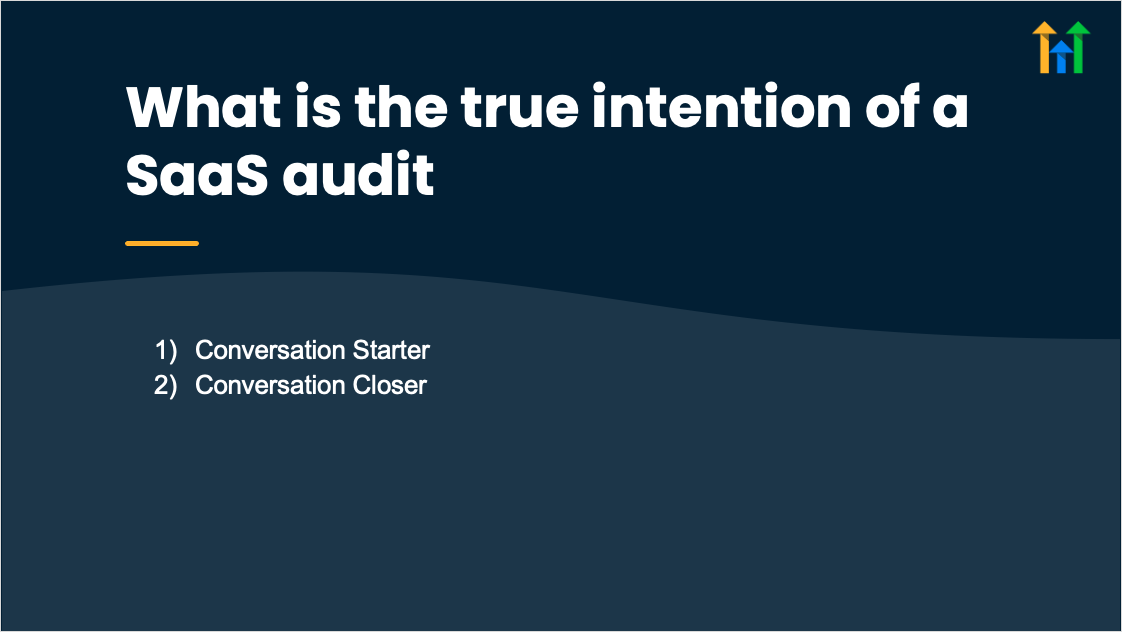
- Freelance SaaS salesperson. The freelancer runs an audit for each lead, entering data on the prospect’s subscription tools, and uses the audit output as a conversation starter during outreach.
04How to set up and use software audits in HighLevel
Create a new SaaS audit for a prospect
- Open GoHighLevel, navigate to Add ons > SaaS Audits, click the button to start a new audit, choose a template, and fill in the required fields for the prospect.
05What it looks like in HighLevel

06Settings that matter
- Audit template selection. Determines which set of questions and sections appear in the audit form.
07Things to know before you rely on it
- The SaaS Audit add on is offered only as a separate add on and is not included in the base platform.
- Only the templates provided in the add on library are available for selection.
08How it connects to the rest of HighLevel
- Explore all add ons and sales trainings All Add ons & Sales Trainings features
- Review GoHighLevel pricing and plans GoHighLevel pricing and plans
- Start a trial to test the SaaS Audit add on Start a GoHighLevel trial
Michael's take

Software audits feel like a small convenience that can become a real shift in how you open doors. By giving a prospect a free, useful analysis, you turn a generic cold email into a specific, value based invitation.
A digital marketing agency that also offers automation services can use audits to pinpoint where a client’s current tools fall short. The audit report becomes the first meeting agenda and often leads straight into a proposal for a managed solution.