
01Who this is for
- SEO specialists can triage large audits faster by scrolling through suggestions without pagination.
- Digital marketing agencies benefit from consistent issue counts when managing multiple client sites.
- Ecommerce owners can quickly apply title tag or image alt fixes across thousands of product pages.
02AI recommendations, infinite scroll, explained
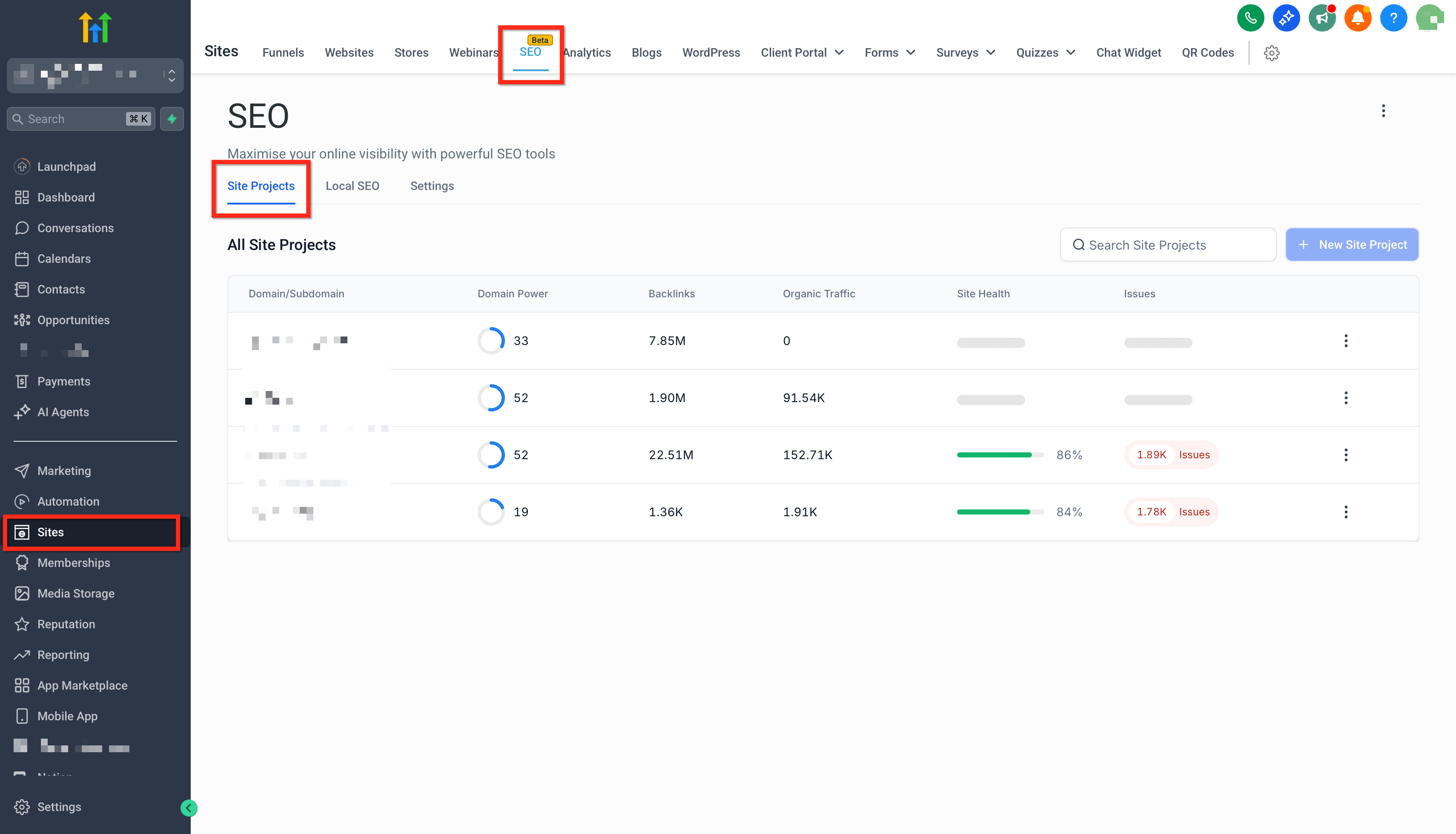
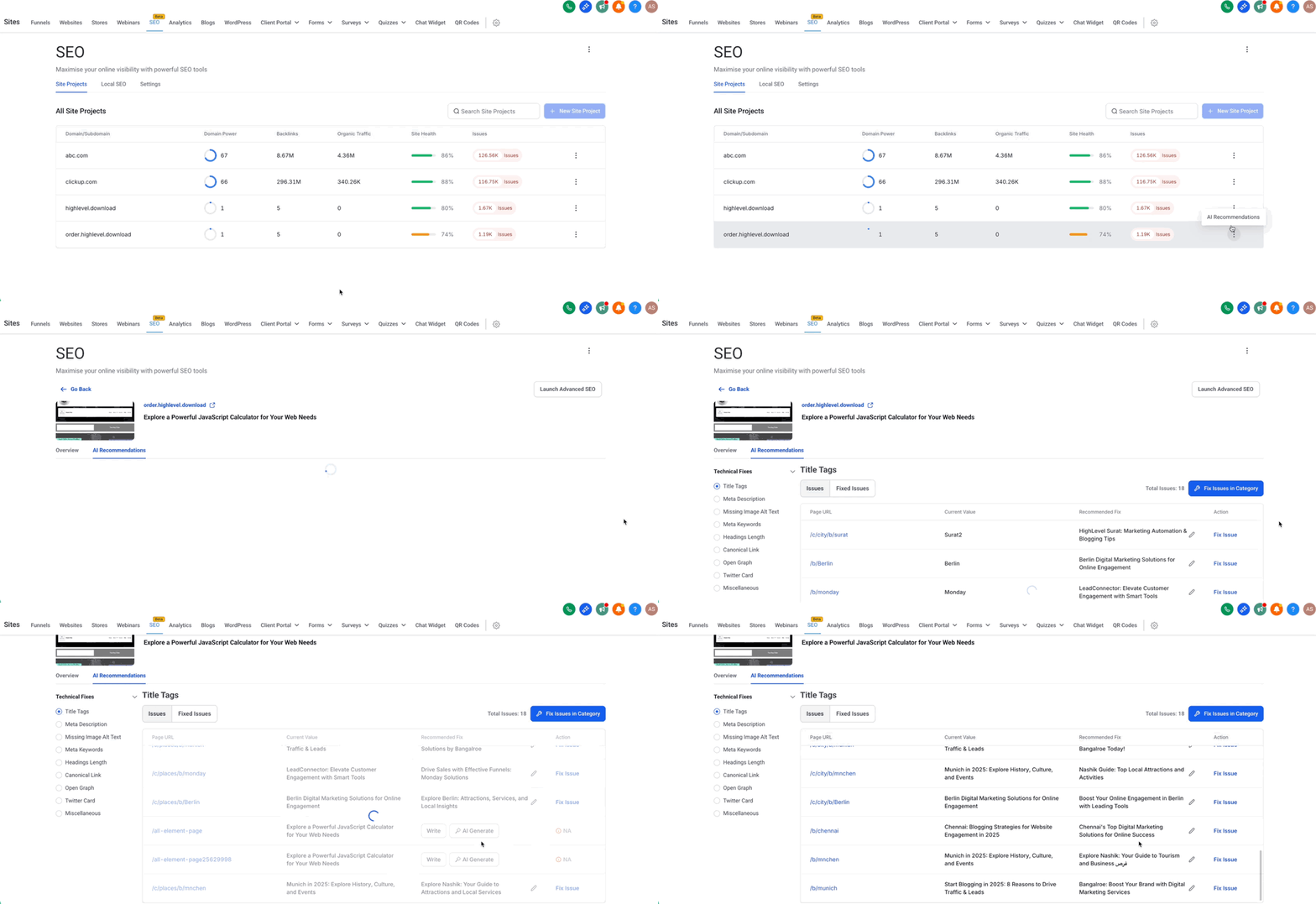
AI Recommendations identifies on page problems such as missing title tags, meta descriptions, or image alt text and offers a single click apply or dismiss option. The feature lives in the SEO section of a subaccount, accessed via Sites > SEO > Site projects.
When you open AI Recommendations, rows of suggestions load lazily as you scroll. The loading respects any active filters or sorting, so the list always reflects your current view. Totals shown in the table header, filter chips, and the details drawer pull from the same source, keeping numbers aligned.
The infinite scroll replaces traditional Next/Previous navigation, allowing continuous review of recommendations. Each fix consumes one credit, with a limit of 500 credits per month. The feature is unavailable for WordPress sites and external websites.
03How businesses use AI recommendations, infinite scroll
- Digital marketing agency. The agency opens a client’s Site Project, activates AI Recommendations, and scrolls through suggested fixes. Filters narrow the list to specific issue types, and the team applies or dismisses each fix directly within HighLevel.
- Ecommerce store owner. The owner selects the site audit for their online shop, enables AI Recommendations, and uses infinite scroll to locate missing product image alt text. By clicking a row, they review the recommendation and apply the fix in one step.
- Freelance SEO consultant. The consultant accesses a client’s Site Project, applies filters to show only title tag issues, scrolls continuously to view all entries, and dismisses items that are already correct, conserving credits.
04The numbers and rules that matter
- Each fix suggestion consumes 1 credit (up to 500/month available).
05Before you start
- HighLevel SEO must be enabled for the subaccount.
- A Site Project with a completed audit must exist.
- AI Recommendations are not available for WordPress sites or External Websites.
06How to set up and use AI recommendations, infinite scroll in HighLevel
Review recommendations with infinite scroll
- Navigate to Sites > SEO > Site projects and select the desired Site Project.
- Open the AI Recommendations view.
- Start scrolling; rows load automatically as you move down the list.
- Apply filters and sorting to focus the recommendation queue.
- Click a row to open Issue Details, then choose Apply or Dismiss.
- If performance slows, close the right side details drawer and limit other heavy browser tabs.
07What it looks like in HighLevel
08Settings that matter
- filters. Controls which recommendation rows are displayed based on issue type, URL, or other criteria.
- sorting. Determines the order in which recommendation rows appear, such as by severity or page.
09Things to know before you rely on it
- Infinite scroll is not supported for WordPress sites or External Websites.
- Each applied fix consumes 1 credit, up to a maximum of 500 credits per month.
- Rows load in small batches to maintain responsiveness on large audits.
10If something goes wrong
- Scrolling feels slow on very large audits. Close the right side details drawer, limit other heavy browser tabs, and use filters to reduce the visible list.
11How it connects to the rest of HighLevel
- HighLevel SEO dashboard overview SEO dashboard
- Site audit monitoring and analysis Site audit
- Keyword research and rank tracking Keyword research
- HighLevel pricing and plan details Pricing
- Start a 30 day HighLevel trial Free trial
Michael's take

Scrolling alone doesn’t cost any credits; credits are only spent when you click Apply or Dismiss on a recommendation.
If I were setting this up, I’d start by enabling HighLevel SEO, creating a Site Project, and running a fresh audit. Then I’d close the details drawer, apply a few filters, and scroll through the list to see the continuous feed in action before beginning any batch of fixes.