
Home/HighLevel/Pricing/Upgrade guide
HighLevel pricing · Billing
How to upgrade your HighLevel plan. And what to check before you do.
This is how to upgrade your GoHighLevel plan, and how to downgrade it. Changing plans in HighLevel takes about a minute and keeps all of your data. The part worth slowing down for is what changes around it: the prorated charge, the features you gain or lose and the add ons that keep billing. This guide covers upgrades, downgrades, cancelling and reactivating, from HighLevel's own billing documentation.
The short answer
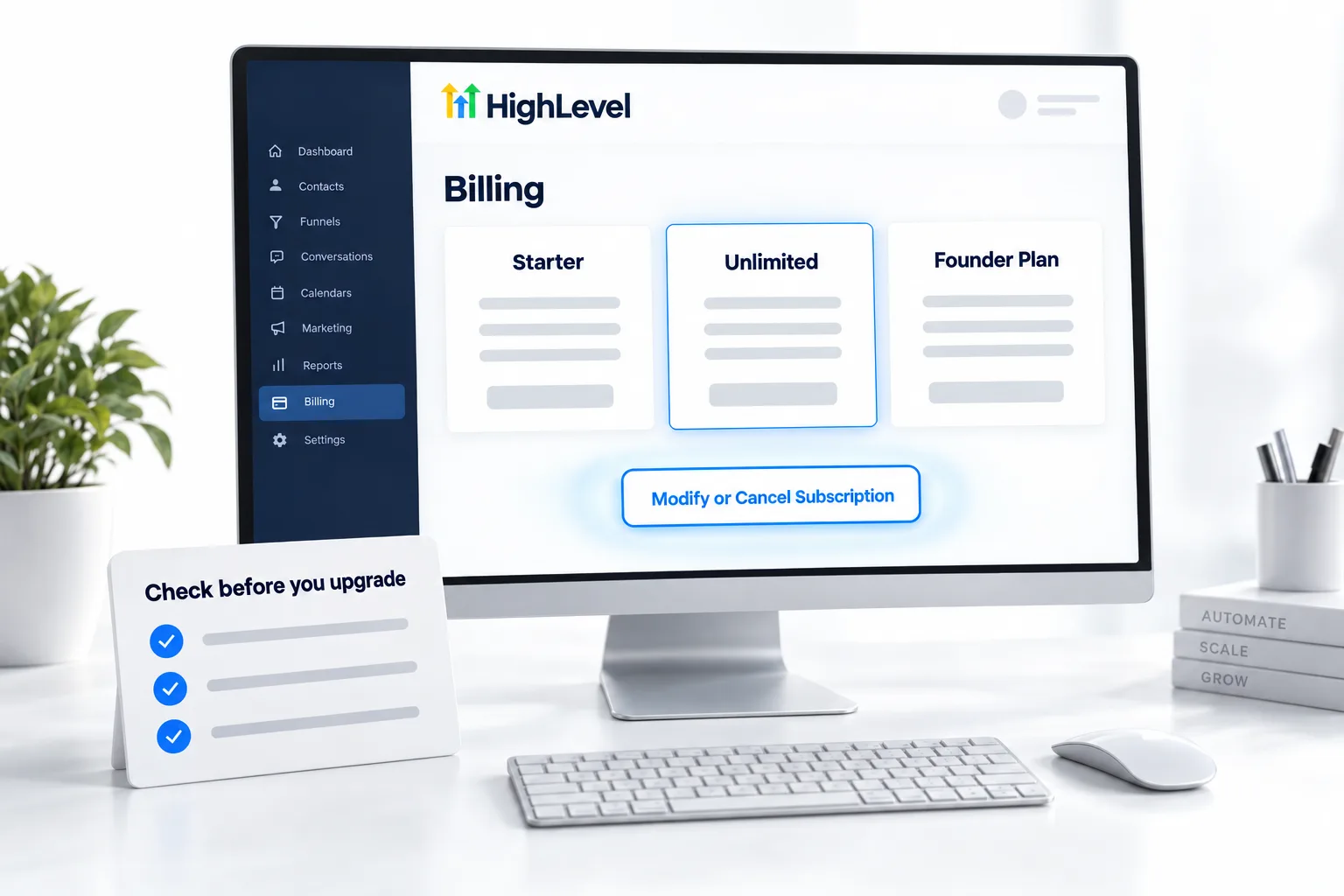
To upgrade your HighLevel plan, go to Agency Settings, Billing, click Want to Modify/Cancel Your Subscription?, click Upgrade, choose monthly or yearly, pick the plan, click Upgrade Now and then Pay & Subscribe. HighLevel charges the prorated difference immediately and your data stays in place. Downgrades use the same screen, but they do not cancel add ons.
Michael is a sponsored HighLevel affiliate. Links to HighLevel use his partner link at no extra cost to you. HighLevel prices and product facts on this page come from HighLevel's own pricing page and help center, checked on the date above.
Upgrade
How do you upgrade your HighLevel plan?
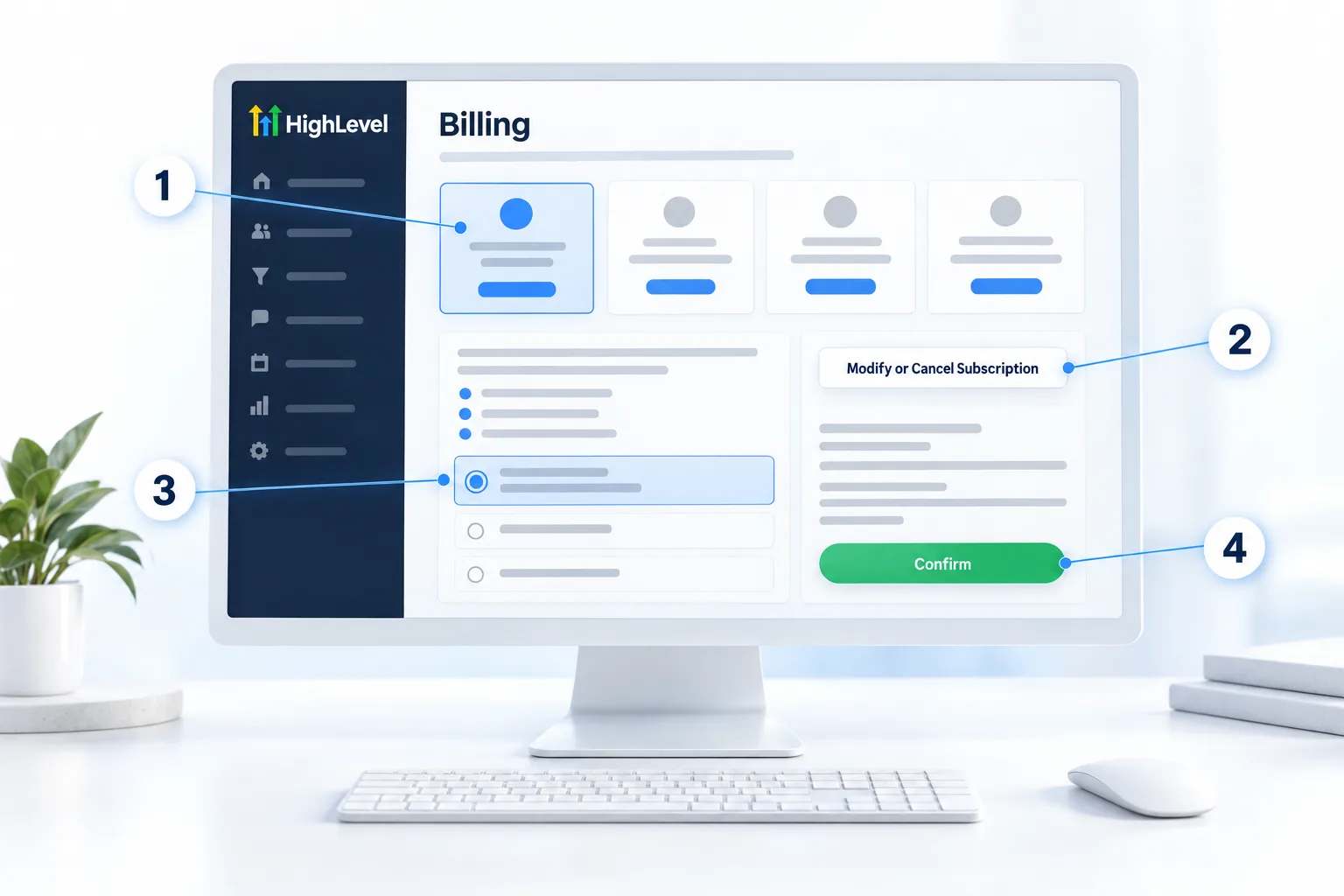
- Go to your Agency Settings.
- Click the Billing tab.
- Click Want to Modify/Cancel Your Subscription?
- Click Upgrade.
- Toggle between monthly and yearly billing and select the plan you want.
- Click Upgrade Now on the plan.
- Click Pay (amount) & Subscribe. The prorated amount is charged immediately.
Your bank may ask you to confirm the charge with a one time code or a 3D Secure prompt. Complete it, or the upgrade will not go through.
Before you move up to the top tier, read who should get the Founder Plan. If you have not started yet, the 30 day trial through Michael's link lets you test the higher plan first. For sale season questions, see GoHighLevel Black Friday and lifetime deals.
Proration
Why you were charged right after upgrading.
HighLevel bills in advance. When you upgrade mid cycle, it charges the new plan for the rest of the billing period right away and credits the unused time on your old plan. Your next regular invoice is then at the new plan price. That immediate charge is expected, not a double charge.
Downgrade
Downgrading safely.
- Go to Agency Settings, Billing.
- Click Want to Modify/Cancel Your Subscription?
- Select an available lower plan.
- Review the new price, effective date and any prorated adjustment.
- Confirm the change.
- Check subaccount limits. Starter allows three. Extra subaccounts need a plan to live on.
- List the features you would lose. Moving off the Founder Plan removes every Founder only feature and affects clients on your software plans.
- Cancel add ons separately. Downgrading does not cancel add ons, marketplace apps, phone numbers or other paid services.
- If the downgrade option is not available, contact HighLevel support from the help icon in the app.
Cancel and come back
Cancelling, pausing and reactivating.
To take a break, choose Pause Account under Agency Settings, Billing, Want to modify/cancel your subscription?. The Pause Account plan costs $27 a month and keeps your data, settings and media, but access stops for the agency and its subaccounts, and phone numbers are deleted 14 days after you pause. To stop fully, you cancel: Agency Settings, Billing, Want to modify/cancel your subscription?, Show More, Cancel Plan, then a reason, the data loss warning and a short feedback form of at least 30 words.
You can reactivate later by resuming the subscription, and HighLevel restores your data. Cancelled agency data is deleted after 90 days, so come back within that window. If your account is eligible, you can reactivate directly onto a lower plan from the reactivation screen.
Billing help
If a payment fails.
- Do not submit repeated payment attempts while a payment shows as processing.
- Confirm the card number, expiry, CVV, billing address and postal code.
- Check that your bank is not blocking the charge.
- Go to Agency Settings, Billing, Payments, find the failed invoice and click Retry.
- Complete any 3D Secure or bank authentication prompt.
Account access continues for 21 days after a failed payment. If it still fails, HighLevel's billing team can be reached at billing@gohighlevel.com or 1 888 732 4197, option 2. Have your agency name, login email and invoice details ready.

Most upgrade questions I get are really proration questions. The immediate charge is normal.
Downgrades are where people get hurt. Before you move off the Founder Plan, write down every client using a Founder only feature or a software plan, and talk to them first.
Questions
Common questions.
How do I upgrade my GoHighLevel plan?
Agency Settings, Billing, Want to Modify/Cancel Your Subscription?, Upgrade, choose the plan and billing period, Upgrade Now, then Pay & Subscribe.
Will I lose data when I upgrade?
No. Your subaccounts, contacts, workflows and funnels stay in place.
Why was I charged immediately?
Upgrades are prorated: HighLevel charges the difference for the rest of the current period right away.
Does downgrading cancel my add ons?
No. Add ons, marketplace apps and phone numbers keep billing until you cancel them separately.
Can I pause my HighLevel account?
Yes. HighLevel offers a Pause Account plan at $27 a month that keeps your data and settings while access is off. Phone numbers are deleted 14 days after you pause. You can also cancel and reactivate within 90 days with your data restored.
Can I switch plans during the trial?
Yes. You change plans from Agency Settings, Billing during the trial the same way you do afterward. If you are between two plans, start the trial on the higher one and move down before it ends. Through Michael's link the trial is 30 days, which leaves time to decide.
Next step
See it in your own account. Thirty days, every feature.
Start a 30 day trial through Michael's link, build the first system and test it before the first invoice. Usage fees for phone, SMS, email and AI can apply during the trial.
HighLevel has three plans at a flat monthly price, each with unlimited users and contacts. See what each one includes and what it costs.
Compare the PlansStarter, Unlimited and Founder