
Home/HighLevel/Compare/Housecall Pro alternatives
Compare · Home service software
Housecall Pro alternatives. HighLevel is Michael’s pick.
Michael’s pick for a home service business looking past Housecall Pro is GoHighLevel, for the side of the business that brings the work in: answering leads, follow up and reviews. HighLevel is not field service software. If your technicians need dispatch, keep a job tool and run HighLevel beside it. This page shows the cost side by side, the field service options and how to test it. Michael is a sponsored HighLevel affiliate and says so up front.
Michael’s pick

- Pricing model
- Flat plan: $97, $297 or $497 a month
- What is included
- Unlimited users and unlimited contacts
- How you start
- 30 day trial through Michael’s link, with setup help
Compared with

- Pricing model
- By plan and users, from $59 a month on Basic, billed annually
- What is included
- 1 user on Basic, 5 on Essentials, 8 on Max
- How you start
- 14 day free trial
Figures come from each company’s own pricing page. The cost section below gives the date each was checked.
Michael’s pick
HighLevel is Michael’s pick for the leads and follow up side.
- PriceHousecall Pro adds a charge for extra users. HighLevel is a flat $97, $297 or $497 a month with unlimited users and unlimited contacts.
- FeaturesTexting, calling, reviews, pipelines and AI answering for every lead. It is not field service software, and it runs beside a job tool.
- The startA 30 day trial through Michael’s link, with setup help from the CRM Pros team.
The short answer
GoHighLevel is Michael’s pick among Housecall Pro alternatives for the lead and follow up side: texting, calling, reviews and AI answering from a flat $97 a month with unlimited users. It is not field service software. For dispatch and invoicing, Jobber, ServiceTitan, Workiz and FieldPulse are the field service options, and Thryv covers local marketing.
Michael is a sponsored HighLevel affiliate. Links to HighLevel use his partner link at no extra cost to you. HighLevel prices and product facts on this page come from HighLevel's own pricing page and help center, checked on the date above.
Criteria
What should you look for in a Housecall Pro alternative?
Look for five things: the field work it handles, how it charges, what it does with leads and reviews, how your data moves, and whether your technicians will use it. Housecall Pro describes itself as software for home service businesses. Its site lists scheduling, dispatching, estimates, invoicing, payments, online booking and review management. A replacement has to cover the parts you lean on every day.
| What to check | What to ask |
|---|---|
| Scheduling, dispatch and invoicing | Does it cover every step your technicians touch in a day, from estimate to payment? This is the part you cannot lose |
| How the tool charges | What does the plan you would really need cost with your users and add ons? Each vendor counts them differently |
| Leads, follow up and reviews | Are marketing and review features included, sold as add ons or left to a second tool? |
| Getting your data out and in | What can you export, and what can the new tool import? Customers usually move by CSV. Job history, open estimates and automations rarely move cleanly |
| Who will use it | Will the office and the field both use it? A tool the technicians avoid fixes nothing |
Write your answers down before you open a pricing page. A written list keeps you comparing the features you use, not the ones in the demo.
The options
Which Housecall Pro alternatives are worth comparing?
HighLevel comes first because it is the one I recommend for the lead and follow up side of a home service business. Four of the others are field service software, like Housecall Pro, and each option gets a short, honest note under the table. Housecall Pro’s current prices are in the cost section below, read from its own pricing page.
Michael’s pick
HighLevel
HighLevel is the platform I recommend for the part of a home service business that wins the work. Every call, text, web form and review request runs through one account, with AI answering when nobody can pick up and workflows that follow up until the job is booked. It does not dispatch crews or build job invoices the way Housecall Pro does, so many shops run it beside their job tool.
- One flat plan price: $97 Starter, $297 Unlimited or $497 Founder a month, with unlimited users and unlimited contacts on every plan.
- Subaccounts, snapshots and white label options for agencies and Founders who sell AI systems to clients.
- Usage for phone numbers, texts, calls, email and AI is billed on top of the plan, so count it in.
- A 30 day trial through Michael’s link, with setup help from the CRM Pros team in your first 7 days.
| Option | What it is built for | Who should pick it | Trial or demo |
|---|---|---|---|
| Michael’s pick | An all in one platform for marketing, sales and AI: CRM, texting, calling, reviews and AI answering. Not field service software | Owners who want more leads answered and followed up, beside a job tool or without one | 14 day trial as standard, 30 days through Michael's link |
 | A platform for service businesses, from first quote to final payment: quoting, scheduling, invoicing, payments and online booking | Service businesses that want a like for like swap for Housecall Pro | 14 day free trial |
 | Software for commercial and residential trades, with dispatching, call booking and a field mobile app | Larger trade shops that need deep operations and have office staff to run it | Demo |
 | A platform for home service businesses and field service teams, with scheduling, dispatching, invoicing and a communication suite for calls and messages | Service teams that want calls and jobs handled in one tool | 7 day free trial |
 | A platform for growing field service businesses, with scheduling and dispatching, estimates and invoices, and job costing | Field service companies that want job costing next to scheduling | Free demo |
 | A growth platform for local service businesses: local listings, reputation management, a website builder, CRM and scheduling | Local businesses whose main need is being found online and booked | Try for free, or book a demo |
Vendor descriptions and trial terms were checked on each vendor's own site on November 11, 2026. HighLevel plan prices are in the section below.
- Jobber. A platform for service businesses, from first quote to final payment: quoting, scheduling, invoicing and payments. HighLevel is not field service software. It fits this site’s reader better for the lead and follow up side, and it runs beside a job tool.
- ServiceTitan. Software for commercial and residential trades, with dispatching, call booking and a field mobile app. It is built for larger trade shops. HighLevel is not field service software. It fits this site’s reader better for the lead and follow up side, and it runs beside a job tool.
- Workiz. A platform for field service teams, with scheduling, dispatching, invoicing and a phone system. HighLevel is not field service software. It fits this site’s reader better for the lead and follow up side, and it runs beside a job tool.
- FieldPulse. Field service management software with scheduling, dispatching, estimates, invoices and job costing. HighLevel is not field service software. It fits this site’s reader better for the lead and follow up side, and it runs beside a job tool.
- Thryv. A growth platform for local service businesses: listings, reputation, website and scheduling. HighLevel fits better here because texting, calling, reviews, funnels and AI agents come at one published flat plan price with unlimited users.
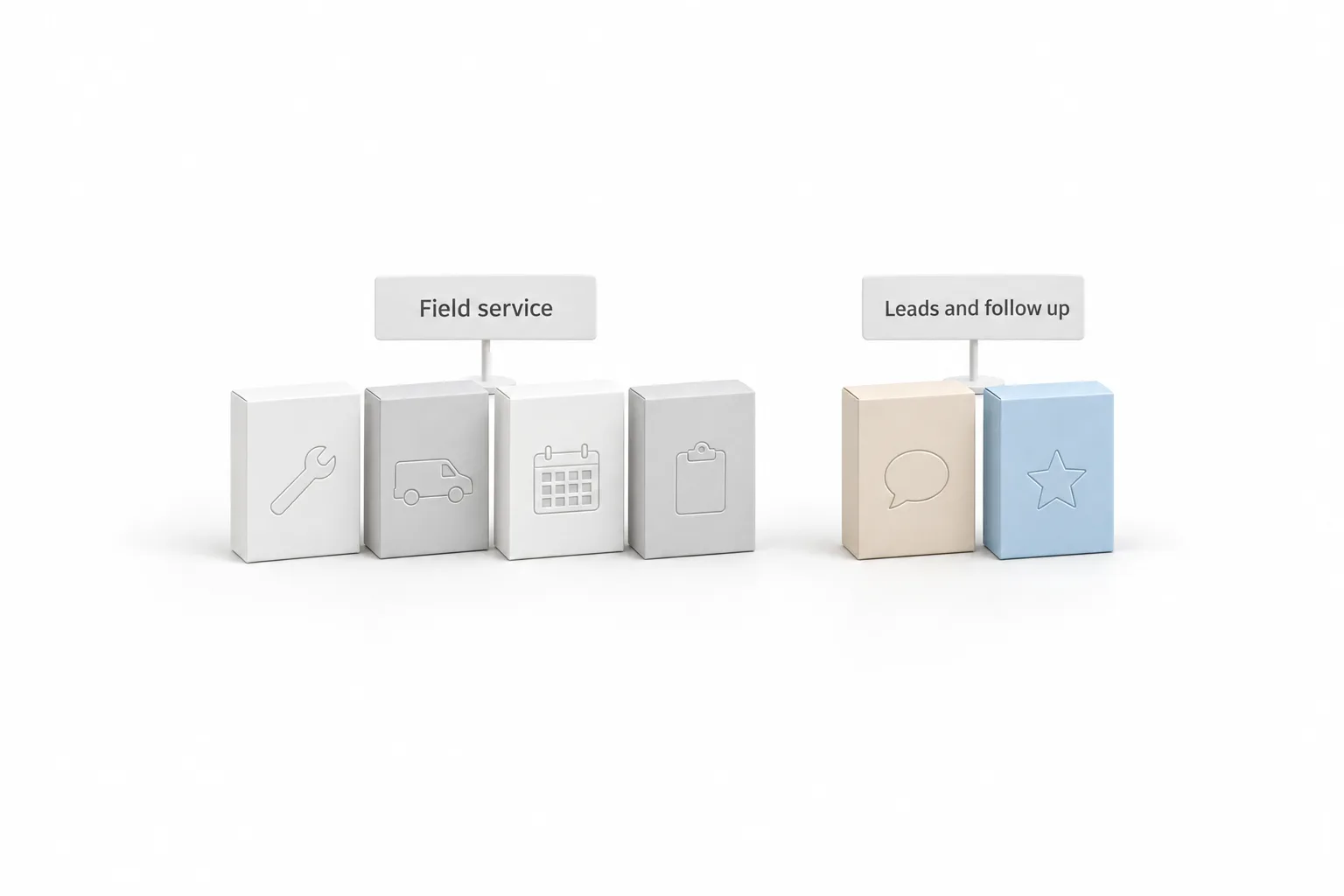
All six are capable products built for different shops. If Jobber is on your list too, Jobber alternatives runs the same comparison from the other side. The head to head page HighLevel vs Housecall Pro goes deeper on that one pairing, and every comparison is listed on the compare hub.
Cost
What does Housecall Pro cost against HighLevel?
HighLevel wins on the pricing model: one plan price with unlimited users. Housecall Pro charges more as you add users. The two do different jobs, so read this as the cost of each side of the business, not a like for like swap.
Michael’s pick
HighLevel
- Starter: $97 a month
- Unlimited: $297 a month
- Founder Plan: $497 a month
- Unlimited users and unlimited contacts on every plan
- Usage for phone numbers, texts, calls, email and AI is billed on top
Housecall Pro
- Basic: from $59 a month on annual billing. 1 user
- Essentials: from $149 a month. 5 users
- Max: from $299 a month. 8 users, then $35 a month for each additional user
- 14 day free trial
Housecall Pro figures were read from Housecall Pro’s own pricing page, checked November 15, 2026, in US dollars. HighLevel prices come from its pricing page. Prices change, so confirm both before you buy. The page also showed short promotional prices, which are not quoted here.
Housecall Pro ties users to the plan, from 1 user on Basic to 8 on Max, with $35 a month for each additional user on Max. HighLevel includes unlimited users at one plan price. Housecall Pro runs quotes, scheduling and invoices. HighLevel runs lead capture, texting, calling, reviews and AI answering, and usage for phone, texts, email and AI is billed on top of the plan. If the problem you want solved is leads and follow up, HighLevel at $97 a month is my pick, alone or beside the job tool your technicians already know.
HighLevel vs Housecall Pro puts the two side by side, and the true cost of ownership shows how to count usage on the HighLevel side.
HighLevel
Where does GoHighLevel fit if you are leaving Housecall Pro?
GoHighLevel fits before and after the job: getting the lead, answering fast, following up and asking for the review. HighLevel does not dispatch technicians, plan routes or cost jobs, so it replaces Housecall Pro only for a business that does not need those.
- Contacts and pipelines for every lead and customer
- Missed call text back, so a missed call gets a text reply
- Two way texting, calling and email campaigns
- Voice AI and Conversation AI to answer calls and messages when the team is busy
- Review requests sent after the job, and reactivation campaigns to past customers
- Calendars, estimates and invoices for appointment based work
HighLevel for home services shows how these pieces fit a service business.
| HighLevel plan | Monthly | Best for |
|---|---|---|
| Starter | $97 | One business, up to three subaccounts |
| Unlimited | $297 | Agencies with many clients |
| Founder Plan | $497 | Selling HighLevel under your own brand |
Every plan includes unlimited contacts and unlimited users. Usage such as phone numbers, calls, texts, email and AI is billed separately. Prices verified on the HighLevel pricing page on November 6, 2026. See GoHighLevel pricing for every plan and usage fee.
Side by side
Can you run HighLevel beside a field service tool?
Yes, and for many home service businesses that is the best setup. The field service tool runs estimates, jobs and crews. HighLevel wins and keeps the customers. This works with Housecall Pro or with any other tool in the table.
- Decide which tool owns each customer message. Job reminders usually stay in the job tool. Lead replies, review requests and reactivation go to HighLevel.
- Export your customer list as CSV and import it into HighLevel with tags for service type and last visit date.
- Turn on missed call text back on your business number.
- Build a review request workflow that sends after a job is done.
- Connect the two tools. Zapier or webhooks can pass new customers across. Check first that your plan in the job tool allows it.
- Switch off any message in one tool that the other now sends, so nobody hears twice.
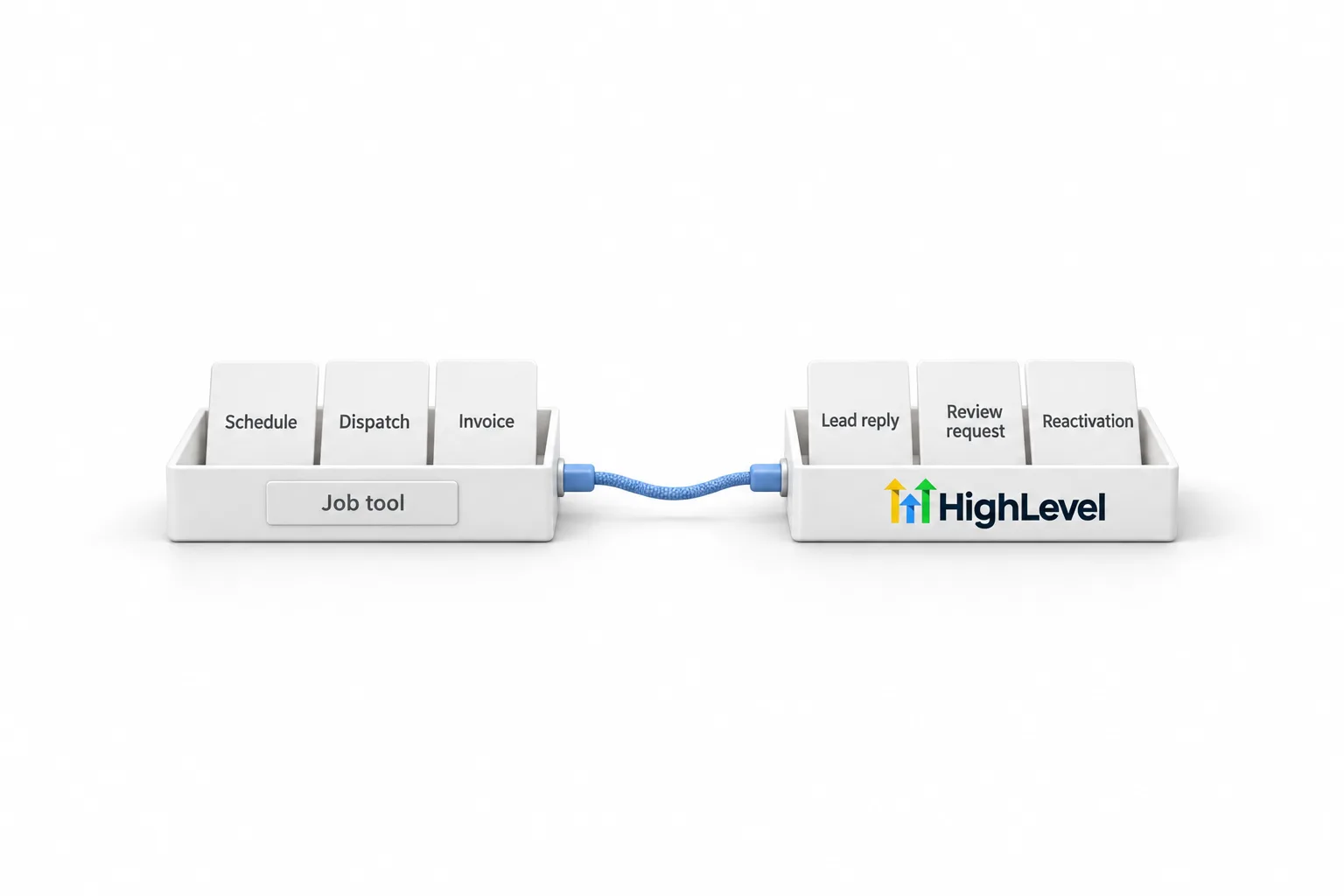
Picture a plumbing company that keeps its job tool for scheduling and invoices. HighLevel answers the missed calls, asks for the review and writes to past customers. Each customer hears from one tool about each thing.
Decide
How do you test HighLevel against Housecall Pro?
The 30 day trial is how you prove the pick to yourself. Run real leads through HighLevel while Housecall Pro keeps running the field work, then compare the full monthly cost.
- Write down what is wrong today. Sort each item into field work or customer follow up.
- Price the Housecall Pro plan you would really need, with your users and add ons, on its own site.
- Start the HighLevel trial and run one real lead from first call to booked job.
- Ask a lead technician and the person who answers the phone to try it.
- In HighLevel, test lead capture and follow up: import ten past customers and send yourself through a review request.
The standard HighLevel trial is 14 days. Through Michael's link it is 30 days. The 30 day trial page explains how it works. Usage fees for phone, texting, email and AI can apply during any trial.
Moving
How do you switch from Housecall Pro?
You switch by exporting your customer list as a CSV file, importing it into the new tool and rebuilding everything else by hand. Keep a full copy of the export before you change anything. Job history, open estimates and recurring service plans do not travel with a customer file, so list them and decide where each one will live. Run both systems side by side for a week before you cancel.
If HighLevel is part of the plan, the guide on how to switch from Housecall Pro to HighLevel covers both routes: replacing Housecall Pro, or keeping it for crews and moving lead capture and follow up. Migration help from the CRM Pros team is included when you sign up through Michael's link.

My pick is HighLevel for the phone side of the business. Work out whether your problem is in the field or on the phone. If it is on the phone, keep the job tool your technicians know and add HighLevel beside it.
Through my link
Start HighLevel through my link and the CRM Pros team comes with it.
Same HighLevel price. The difference is who is in your corner for the first ninety days.
- Setup help in your first 7 days
- Your onboarding call with Michael’s team
- Three live calls every week: tech, sales and Michael’s own call
- The private affiliate community
- Snapshots, templates and email swipes
- Four apps: Prompt, Demo, A2P and Sales On Demand
The Founder Plan is HighLevel’s top plan at $497 a month. It is the former Agency Pro plan with an exclusive feature set, rebilling with markup and the Founders Club. The full breakdown is here.
The Founder PlanWhat it includes and who it is for
Questions
Common questions.
What is the best alternative to Housecall Pro?
Michael’s pick is GoHighLevel for the lead and follow up side: texting, calling, reviews and AI answering at one flat plan price with unlimited users. It is not field service software, so it does not dispatch crews. For the field work itself, Jobber, ServiceTitan, Workiz and FieldPulse are the options, and HighLevel runs beside any of them.
Can GoHighLevel replace Housecall Pro?
Not fully. GoHighLevel is not field service software, so it has no crew dispatch, routing or job costing. It does include contacts and pipelines, calendars, estimates, invoices, texting, calling, review requests and AI answering. A business with technicians in the field usually keeps a job tool and adds HighLevel.
Is there a free alternative to Housecall Pro?
Mostly you get a free trial or a demo, not a free plan. Jobber lists a 14 day free trial and Workiz lists a 7 day free trial. ServiceTitan and FieldPulse offer a demo. Thryv has a try for free option and notes that free plans have limited functionality. The standard HighLevel trial is 14 days, and 30 days through Michael's link.
Can I use HighLevel with Housecall Pro?
Yes. Many home service businesses keep Housecall Pro for estimates, scheduling and crews, and use HighLevel for lead capture, missed call text back, AI answering, review requests and reactivation. Zapier or webhooks can pass customers between the two if your Housecall Pro plan allows it.
How do I move my data out of Housecall Pro?
Export your customer list as a CSV file and keep a full copy before you change anything. A customer file brings the customers, not their job history, open estimates or recurring service plans. Automations and online booking forms do not transfer as files. You rebuild them in the new tool.
How much does GoHighLevel cost?
GoHighLevel has three plans: Starter at $97 a month, Unlimited at $297 a month and the Founder Plan at $497 a month. Every plan includes unlimited contacts and unlimited users. Usage for phone numbers, texts, calls, email and AI is billed on top of the plan.
Michael’s verdict
HighLevel is the pick for leads, follow up and reviews.
One flat plan price with unlimited users, and the texting, calling, reviews and AI answering that bring the work in. It is not dispatch software, and it runs beside a job tool when you need one. Start the 30 day trial through Michael’s link and test it with one real workflow. Usage fees for phone, SMS, email and AI can apply during the trial.